

Appearance & language
Light or dark, a colour tone for your conversations, and ten interface languages.
Everything here is in Settings → General.
Theme
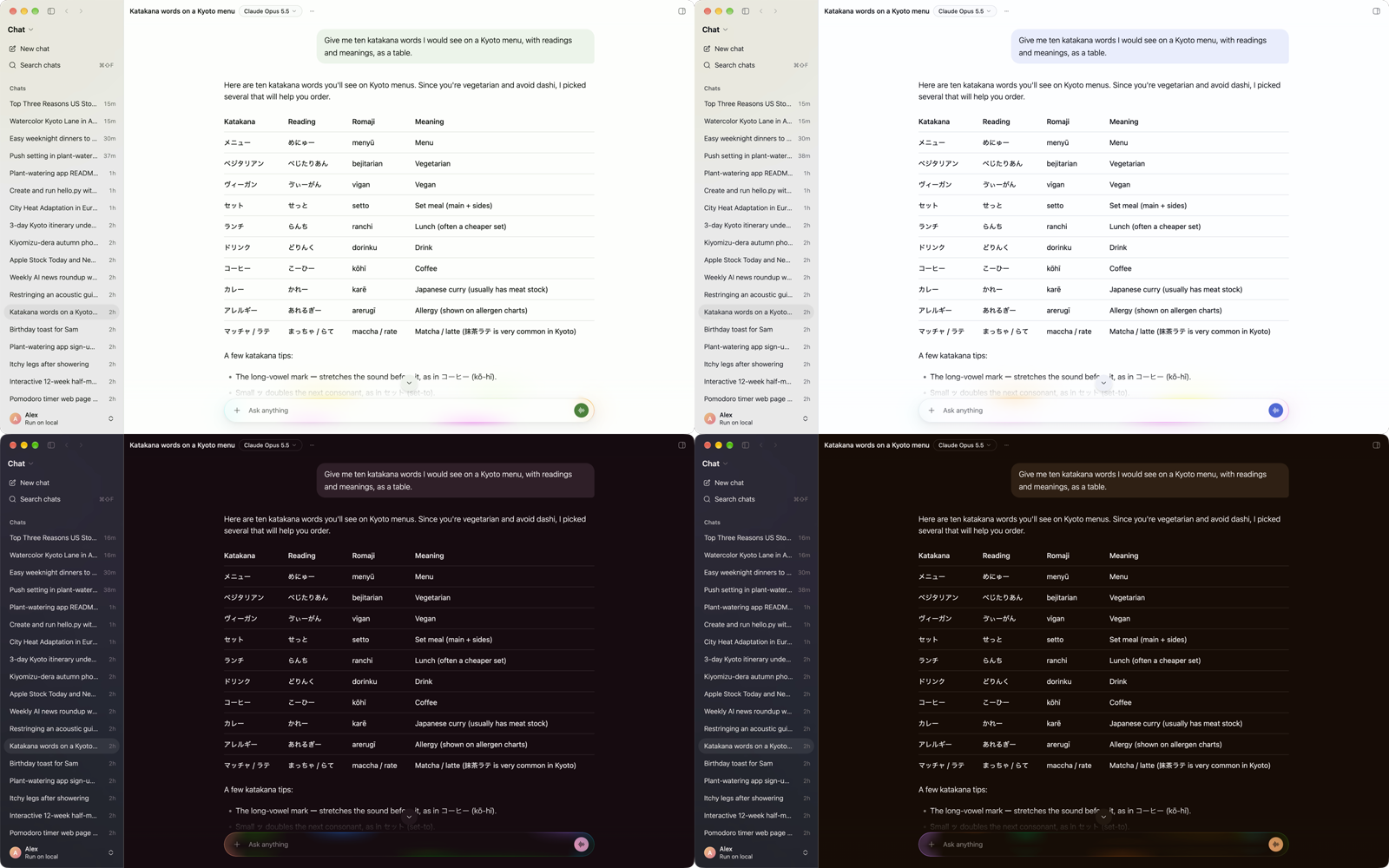
Theme is Light, Dark or System (follows your computer's appearance as it changes).
Color tone
Color tone gives your conversations an accent: Neutral (black and white), Emerald, Blue, Violet, Rose, Orange or Yellow. It colours the send button, links, your message bubbles, citation chips and focus rings — in chats and in Quick Chat — while the rest of the app stays neutral. The iPhone app has the same tones in its own settings.


Language
Language sets the interface language — Auto (detect from system) or one of: English, 繁體中文(台灣), 繁體中文(香港), 日本語, 한국어, Français, Deutsch, Español, Português (Brasil) and Italiano. The model answers in whatever language you write in, whatever the interface is set to.
Start-up and the menu bar
- Run on startup — start Actovia when you log in.
- Menu bar — show Actovia's icon in the menu bar, for Quick Chat.